
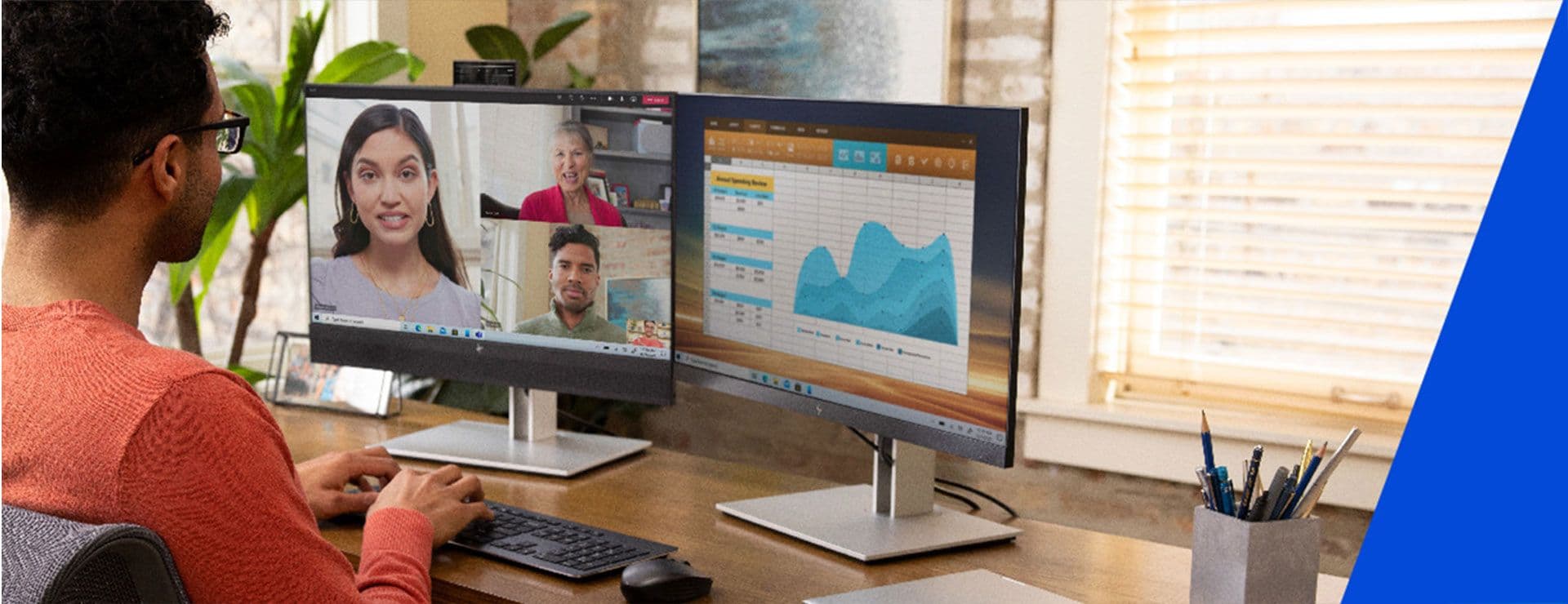
The way we work has transformed.
No longer confined to traditional offices, today’s teams operate across locations, from homes and co-working spaces to airports and cafés. While hybrid work unlocks productivity and flexibility, it also opens the door to a pressing vulnerability: endpoint security.
Each laptop, tablet, mobile phone, or printer connected to your network is a potential entry point for cyber threats. In hybrid environments, where devices move in and out of secure networks daily, the risk multiplies.
This is where endpoint security solutions come in, as a frontline defence for your workforce.
Endpoint security refers to the protection of devices that connect to your corporate network, including desktops, laptops, mobile phones, printers, and other Internet of Things (IoT) hardware. These solutions ensure each endpoint is secured, monitored, and compliant with your organisation’s IT policies, even when operated remotely.
Imagine your business network as a castle. The endpoints are the gates, windows, and side doors. You wouldn’t leave those open, especially if you knew they were being used daily by employees working from unpredictable environments.
With more people working outside the company firewall, the traditional perimeter-based approach to security no longer works. Modern endpoint security:
Secures Remote Access
VPNs, encryption, and identity verification tools ensure that only authorised users access sensitive business systems, regardless of where they're logging in from.
Provides Threat Detection and Response
Advanced endpoint protection includes AI-powered malware detection, real-time threat hunting, and automated responses to suspicious activity.
Supports Compliance and Policy Enforcement
Device configurations, app usage, and data handling can be governed remotely, ensuring teams follow IT rules, even from afar.
Reduces Human Error Risks
Phishing simulations, password managers, and endpoint firewalls reduce the likelihood that your team will accidentally expose your network.
Let’s say one of your sales executives is working from a client site. They use a personal hotspot to quickly download a presentation from your cloud storage. Seems harmless, right? But that device, without endpoint protection, may unknowingly carry malware back into your system, affecting shared files, customer data, or even core operations.
With proper endpoint security in place, such threats can be isolated, contained, and prevented before any damage occurs.
Building a strong endpoint defence starts with having the right technology and policies in place. Here’s what matters most:
|
Component / Feature |
Description |
|
Device Management Platforms |
MDM/UEM tools control settings and allow remote lock/wipe. |
|
Data Encryption |
Protects data even if the device is lost or stolen. |
|
Endpoint Detection & Response |
Uses AI to monitor and respond to threats in real-time. |
1. Device Management Platforms
Solutions like mobile device management (MDM) or unified endpoint management (UEM) let you control security settings, push updates, and remotely lock or wipe lost devices.
2. Multi-Factor Authentication (MFA)
Requiring a second layer of login credentials (e.g., OTPs, biometrics) protects devices even if passwords are compromised.
3. Data Encryption
When data is encrypted at the device level, it remains unreadable to unauthorised users, even if the device is lost or stolen.
4. Firewall and Antivirus Protection
Next-gen antivirus tools and endpoint firewalls can detect sophisticated threats, including ransomware, spyware, and phishing attempts.
5. Patch Management
Keeping software up to date ensures vulnerabilities are closed before attackers can exploit them.
6. Endpoint Detection & Response (EDR)
EDR tools monitor endpoints in real time, using AI to flag unusual activity and respond to threats automatically.
1. Classify Devices by Risk
Not every employee needs the same level of access. Segment users and devices based on the sensitivity of their work.
2. Standardise Devices Where Possible
Having a consistent hardware ecosystem helps IT manage updates and enforce policies more easily.
3. Prioritise User Training
Security isn’t just a software issue, it’s human too. Regularly train your workforce on password hygiene, phishing red flags, and secure device usage.
4. Don’t Forget Print Security
Printers and multifunction devices also store and transmit data. Choose secure print solutions that support access controls and data encryption.
5. Review and Adapt Regularly
Cyber threats evolve. So should your endpoint security. Regular audits and proactive updates will help your protection stay ahead of the curve.
Assuming built-in device protection is enough
Letting employees use unmanaged personal devices
Skipping updates due to fear of downtime
Relying solely on antivirus without real-time monitoring
Failing to test your security policies regularly
Avoiding these pitfalls ensures your organisation’s digital doors stay locked, no matter where your team is working from.
In the hybrid work era, endpoint security isn’t optional, it’s essential.
By securing every access point in your network, you not only protect data and operations, but also build trust with clients, employees, and partners. Strong endpoint security helps your team work confidently, wherever work happens.
If you’re not sure where to start with securing your workforce, you don’t have to go it alone. You can visit an HP Connect Experience Centre, located in New Delhi, Guwahati, Pune, Gurgaon, Noida, Surat, Cochin, and Chennai, where experts can walk you through customised IT solutions for your organisation’s needs.
Q1. What’s the difference between endpoint security and network security?
Endpoint security protects individual devices like laptops or phones, while network security defends the infrastructure that connects them.
Q2. Do small businesses need endpoint security?
Yes. In fact, small and mid-sized businesses are often targeted because they tend to have weaker security. Endpoint protection helps close that gap.
Q3. Is antivirus enough for endpoint security?
No. While antivirus is a basic tool, modern endpoint security includes threat detection, data encryption, firewall management, and real-time response.
Q4. Can I manage all endpoints remotely?
With the right MDM or UEM platform, you can control and secure devices remotely, ideal for hybrid or remote workforces.
Q5. How do I know if my endpoint strategy is effective?
Conduct regular audits, monitor threat reports, and engage with IT advisors to evaluate gaps and opportunities for improvement.